
Introduction
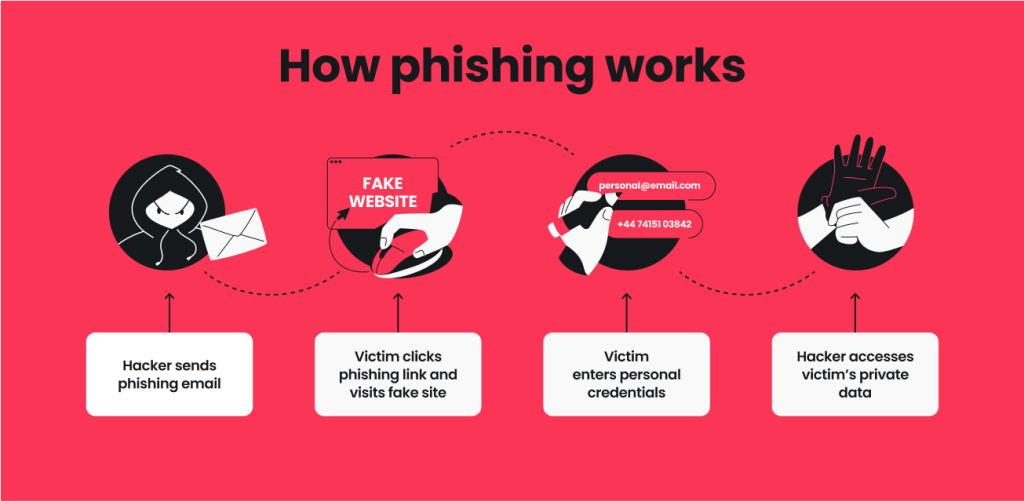
Online scams continue to evolve, making it more important than ever to recognize and avoid fraudulent messages. This Phishing Scam Prevention guide is designed for beginners and intermediate users who want to protect their personal and financial information. Cybercriminals often disguise themselves as trusted companies, banks, or government agencies to trick people into revealing sensitive details. Understanding how phishing works and adopting safe online habits can greatly reduce your chances of becoming a victim while helping you browse, shop, and communicate with greater confidence every day.
What is Phishing Scam Prevention?
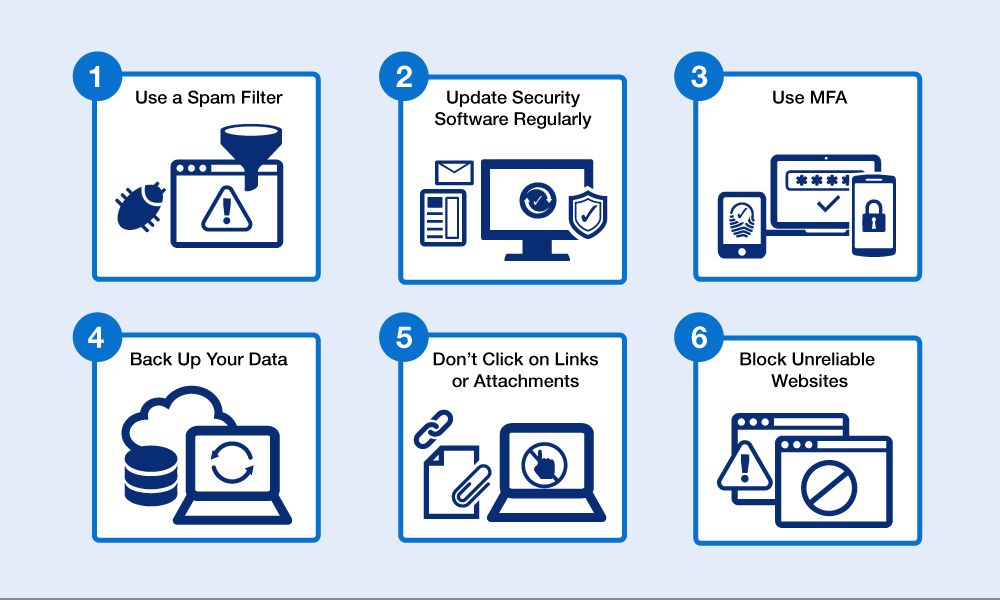
Phishing scam prevention refers to the strategies and security practices used to identify, avoid, and report fraudulent attempts to steal sensitive information. A reliable Phishing Scam Prevention plan includes recognizing suspicious emails, verifying websites, creating strong passwords, and using secure authentication methods.
For example, if you receive an email claiming your bank account is locked, always visit the official website directly instead of clicking the provided link.
Why is Phishing Scam Prevention Important?
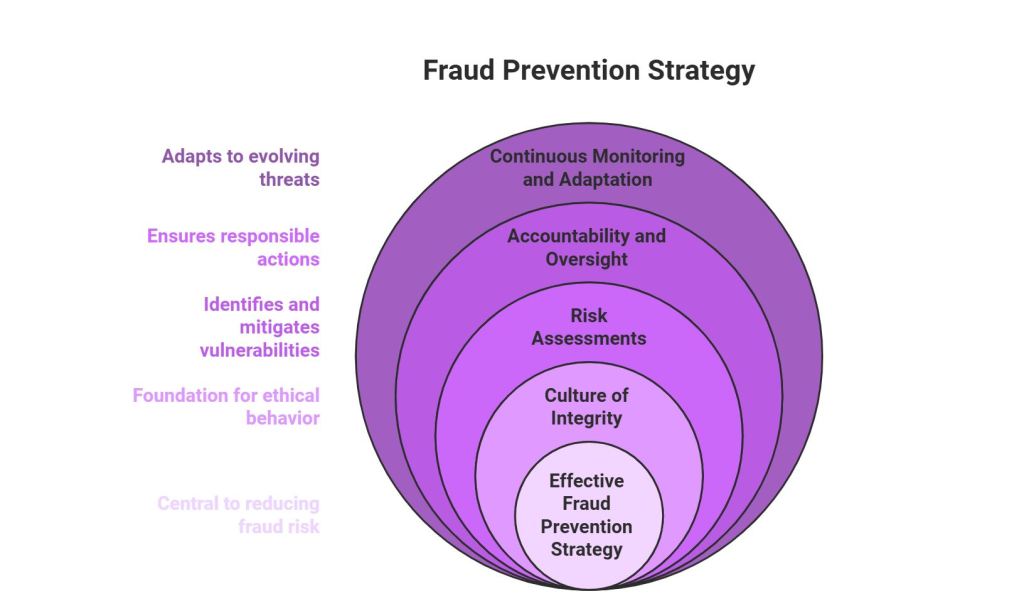
Phishing attacks can result in stolen passwords, financial losses, identity theft, and compromised business data. Following a dependable Phishing Scam Prevention strategy helps protect confidential information, maintain privacy, and reduce the risk of unauthorized access to online accounts.
Good security habits also improve confidence when using online banking, shopping platforms, and workplace systems.
Step-by-Step Guide
1. Check the Sender Carefully
Verify the sender’s email address before opening attachments or clicking links. Small spelling differences often reveal fake accounts.
2. Inspect Links Before Clicking
Hover over links to preview their destination. If the address looks unusual or unrelated, avoid opening it.
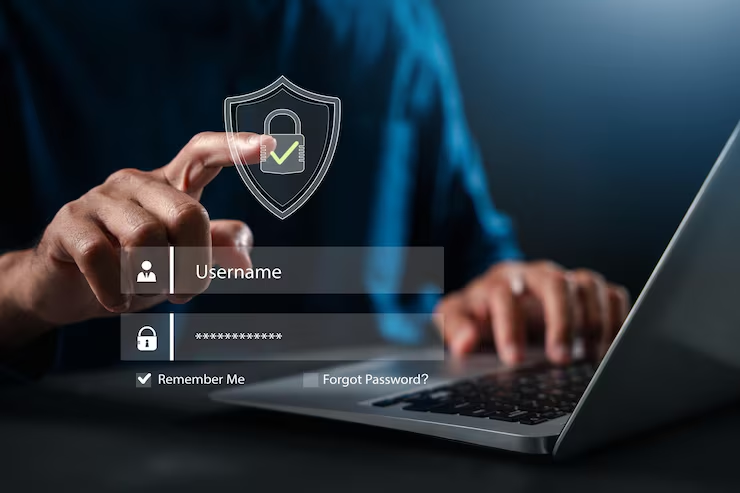
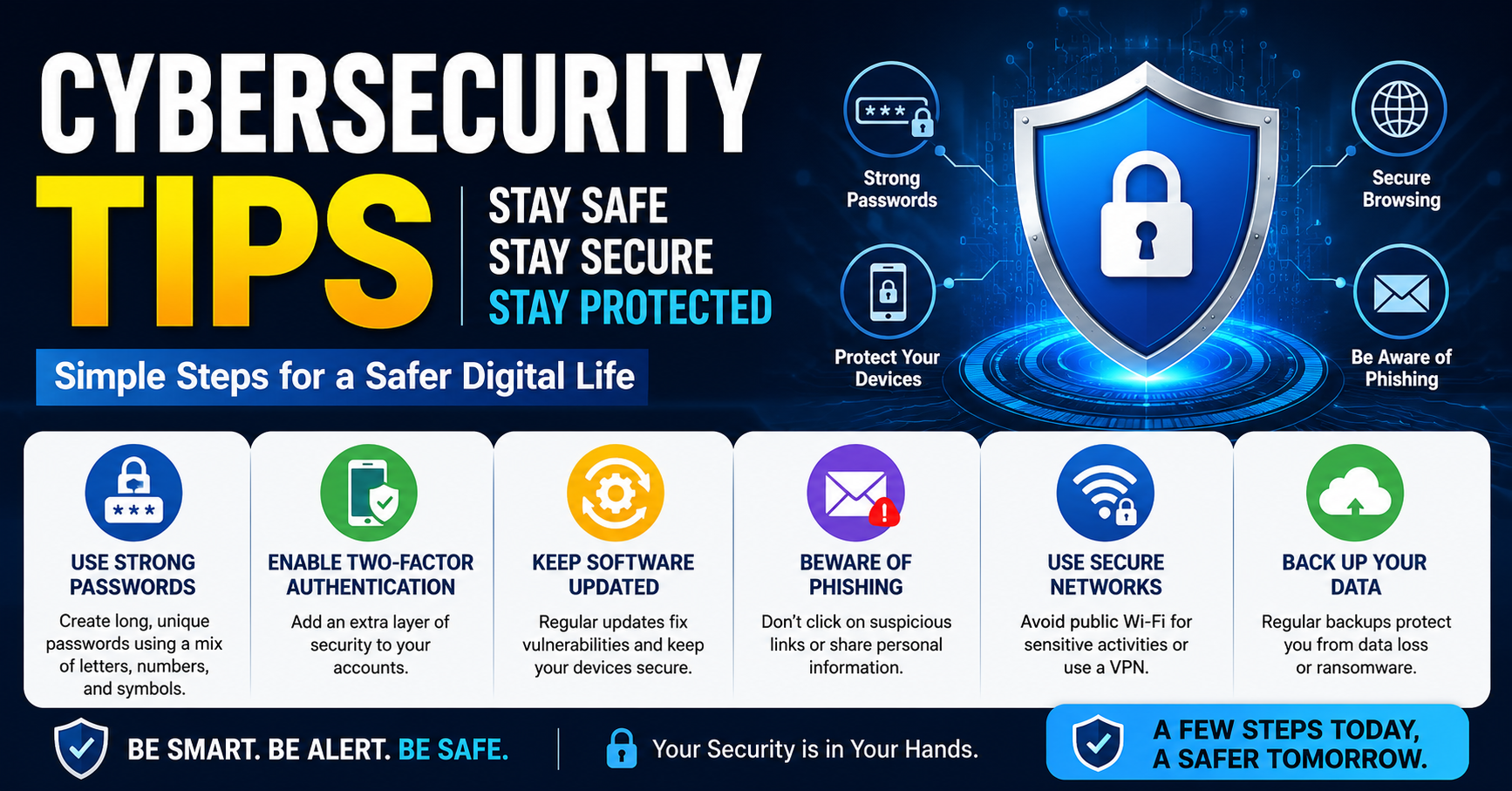
3. Use Strong Passwords
Create unique passwords for every account and store them in a trusted password manager whenever possible.
4. Enable Multi-Factor Authentication
Adding another verification step significantly improves account security, even if a password becomes compromised.
5. Keep Devices Updated
Install operating system and application updates promptly because they often contain important security patches.
6. Report Suspicious Messages
Report phishing emails to your email provider or organization so others can be protected from similar attacks.
Benefits
Following this Phishing Scam Prevention guide provides several valuable advantages:
- Protects personal and financial information.
- Reduces the risk of identity theft.
- Improves online privacy and security.
- Increases confidence while using digital services.
- Helps businesses protect customer information.
- Encourages safer browsing and communication habits.
Risks or Disadvantages
Although security practices are highly effective, users may experience a few challenges:
- Learning security habits takes time.
- Multi-factor authentication can add an extra login step.
- Password management requires consistent organization.
- Some legitimate emails may appear suspicious and require verification.
Common Mistakes to Avoid
One common mistake is clicking links without checking the sender’s identity. Another is using the same password across multiple accounts, allowing one compromised password to expose several services. Ignoring browser security warnings or downloading unexpected attachments also increases risk.
People sometimes respond quickly to urgent messages without verifying their authenticity. Taking a few extra moments to inspect emails carefully is a simple but effective part of Phishing Scam Prevention that can prevent costly mistakes.
FAQs
What is a phishing scam?
It is a fraudulent attempt to steal sensitive information by pretending to be a trusted source.
How can I recognize a phishing email?
Look for spelling mistakes, urgent language, suspicious links, and unexpected attachments.
Should I click links in unexpected emails?
No. Visit the organization’s official website directly if verification is needed.
Does multi-factor authentication stop phishing?
It adds strong protection but should be combined with other security practices.
Can mobile users become phishing victims?
Yes. Phishing attempts can arrive through emails, text messages, and fake mobile applications.
Expert Tips
Always verify unexpected requests for sensitive information, even if they appear to come from someone you know. Review account activity regularly for unauthorized transactions and enable security alerts whenever available. Teach family members and coworkers how to recognize suspicious messages because awareness is one of the strongest defenses. Updating passwords periodically and following this Phishing Scam Prevention approach consistently will strengthen your overall cybersecurity.
Conclusion
Protecting yourself from phishing attacks starts with awareness and careful online behavior. Simple habits such as verifying email senders, avoiding suspicious links, using strong passwords, enabling multi-factor authentication, and keeping devices updated can significantly reduce security risks. This Phishing Scam Prevention guide provides practical steps that anyone can follow to safeguard valuable information. By remaining alert and making smart security decisions every day, you can enjoy a safer online experience while protecting your identity, finances, and personal data from evolving digital threats.